






































Buying a Refurbished MacBook in NZ: The 73inc Guide

A refurbished or pre-owned MacBook is one of the best ways to get a Mac for less. This guide pulls together everything we get asked in our Grey Lynn lab: what the conditions mean, what we check, which model suits you and how to look after it.
New, Ex-display, Pre-owned or Refurbished?
- New: brand new, 12-month warranty.
- Ex-display: new machines that were on display in a store, then taken back into stock and listed for sale. 6-month warranty.
- Pre-owned: traded in to us, or sold new by 73inc and traded back. Inspected, serviced, software updated and covered by warranty. 3 or 6 months, shown on each product.
- Refurbished: trade-ins that needed a new battery or screen, fitted with high-grade parts and 100% inspected. 1 or 3 months, shown on each product.
All 73inc warranties are return-to-base. See our warranty terms.
What we check before a MacBook is listed
Every MacBook is inspected and fully tested by our technicians, including the screen, battery, keyboard, trackpad, ports, cameras, speakers, microphone, Wi-Fi and Bluetooth. The full list is on our inspection page. Cosmetic condition is shown with our grades, so you know how it looks before you buy.
MacBook Air or MacBook Pro?
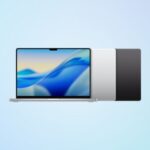
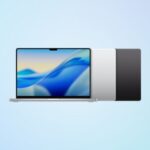
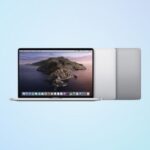
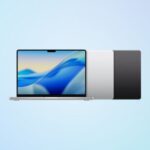
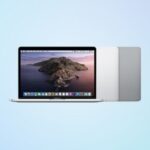
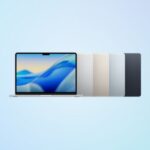
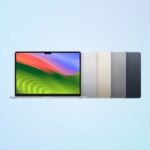
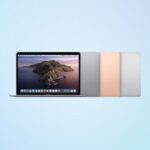
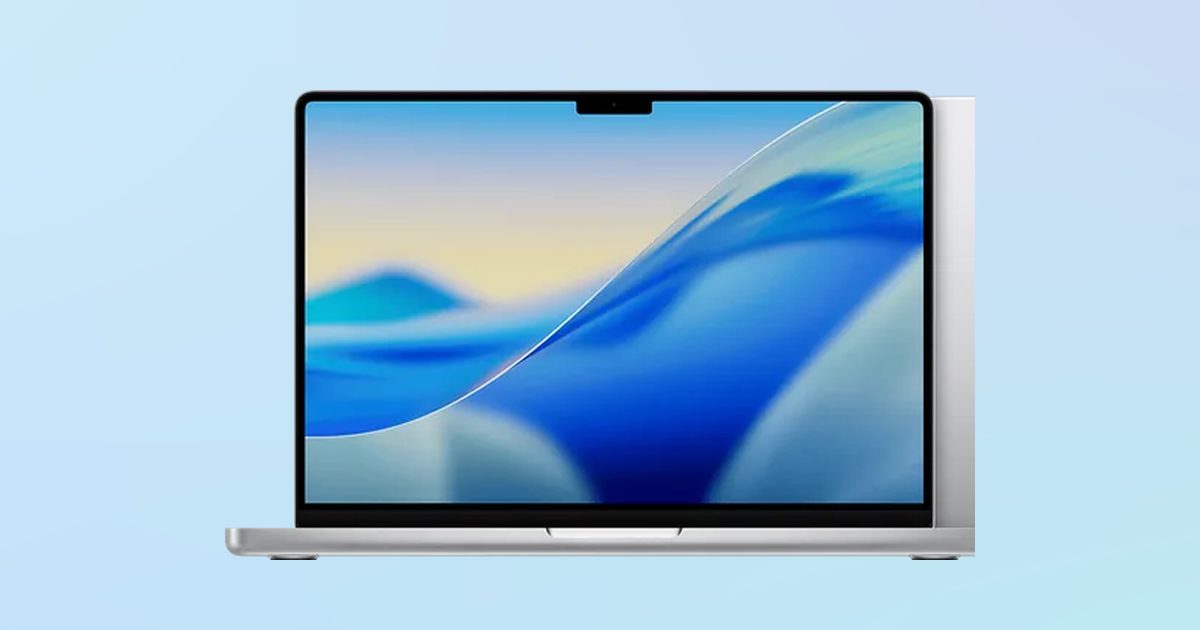
MacBook Air is light and, with Apple silicon, silent with no fan. It suits study, travel and everyday work. MacBook Pro adds more power and bigger screens for video, photo editing and long working days. Browse MacBook Air or MacBook Pro.
Apple silicon or Intel?
Apple silicon MacBooks (M1 and later) run cooler and last longer on battery. Apple has said macOS Tahoe is the last macOS for Intel Macs, so choose Apple silicon if you want the longest software support. Intel models remain good value for everyday use.
How to save
- Pick the condition that suits you: Pre-owned and Refurbished cost less than New.
- Trade in your old Apple device; the agreed value comes off your next one.
- Shipping is free NZ-wide, or pick up from 55B Pollen Street, Grey Lynn.
Looking after your MacBook
- Keep macOS up to date.
- Use a sleeve or case when you carry it, and keep liquids away from the keyboard.
- Use a good-quality charger.
- If something goes wrong, our repair lab at 73inc.nz does component-level repair and data recovery.
Questions? Call 0800 726 622 or email buy@73inc.nz.